Enterprise-Grade AI Tooling
Powering Your Productivity With All-In-One Solution

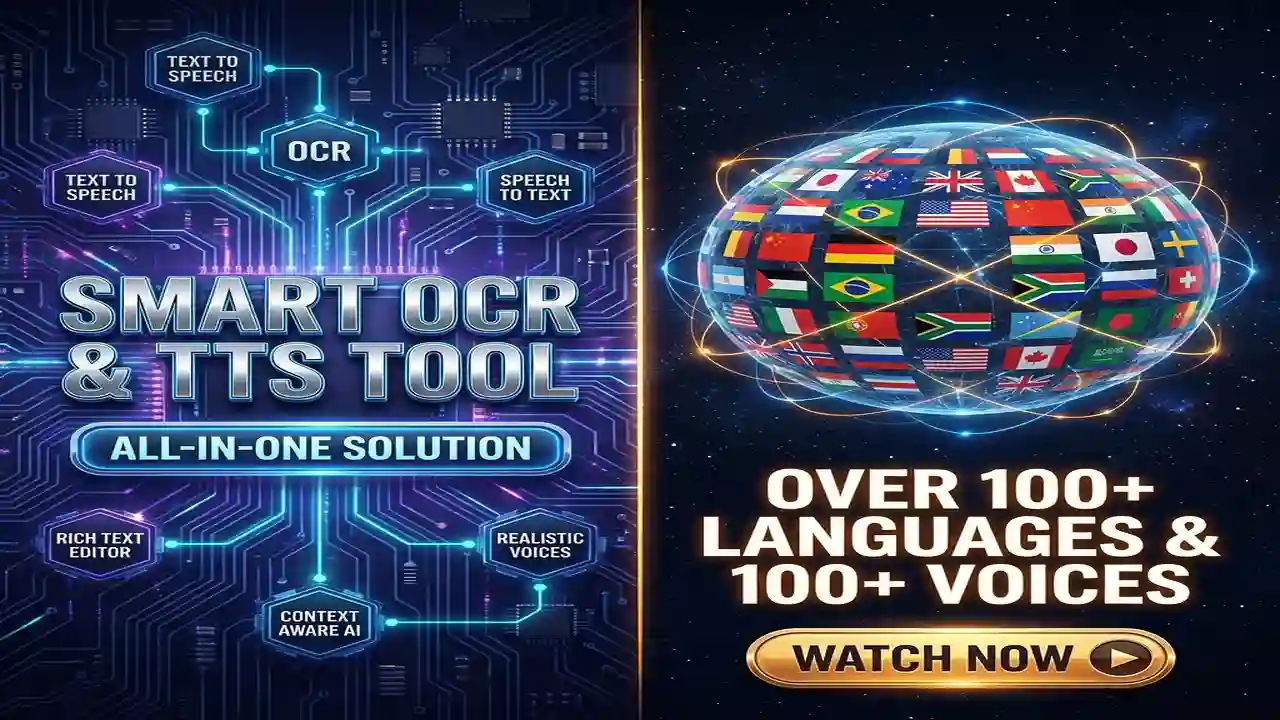
Smart OCR & TTS Tool By ToolBoxesAi

SMART OCR & TTS TOOL provides professional-grade OCR, Text-To-Speech, Dictation, Context Aware AI Assistant, Professional document Editing Features And More. Used by researchers, content teams, Students and enterprises worldwide.

100% Privacy Guaranteed
99.9% Uptime SLA
🔒
GDPR Compliant
Explore Platform
0
Active Users
0
Documents Processed
0
Supported Languages
0
TTS Minutes Generated

Why Choose Us?

See how we compare to other solutions

FeatureSmart OCR & TTS ToolOther Tools
Free TierUnlimited free usageLimited or none
Multilingual OCR100+ languages10-20 languages
AI Text ProcessingBuilt-inSeparate tools needed
Context Aware AIBuilt-inSeparate tools needed
Natural TTSPremium voices availableRobotic voices
Document EditorRich text with PDF exportBasic only
Account RequiredNo account neededRequires account

See It In Action

Watch our quick demo to see how easy it is to use

Smart OCR And TTS Tool Demo Thumbnail

An All-in-One Powerhouse: Redefining Digital Productivity

Discover the meticulously designed features that transform this tool from a simple utility into your ultimate productivity partner. We've engineered a seamless ecosystem where document intelligence, auditory learning, and creative augmentation converge.

Advanced Multi-Format OCR: Liberate Text from Any Source

Move beyond basic OCR. Our engine leverages a hybrid approach, combining pattern recognition with contextual AI models to digitize content from PDFs, JPEGs, PNGs, and even low-light photos of physical documents with industry-leading precision. Experience near-perfect accuracy with complex layouts, mixed fonts, and multilingual documents, turning static information into dynamic, editable text in under three seconds.

  • For Students & Researchers: Instantly convert textbook pages, printed journals, or handwritten lecture notes into searchable, digital formats. Preserve original formatting and create digital archives for efficient citation and study sessions.
  • For Content Creators & Archivists: Digitize script ideas, storyboards, or historical documents. Our tool handles curved page distortions and background noise, delivering clean text ready for your editorial workflow or digital library.
  • For Analysts & Administrators: Effortlessly batch-extract tabular data from financial reports, invoices, or surveys. Convert unstructured data into structured CSV or spreadsheet-ready formats, saving hours of manual entry.

Pro Tip: For best results with photos, ensure the document is flat and well-lit. The engine automatically corrects perspective skew, but a clear source image guarantees optimal accuracy.

Dual-Engine Text-to-Speech: Craft the Perfect Listening Experience

Choose the voice that fits your moment. Our flexible system offers a robust, zero-latency browser-native voice for unlimited, instant playback. For immersive listening, switch to our premium neural AI engine, which uses deep learning to generate speech with human-like intonation, emotional resonance, and natural pauses. Adjust speech rate, pitch, and select from a growing library of regional accents and languages.

  • For Students & Lifelong Learners: Convert dense academic papers, articles, or foreign language texts into audio. Listen at 1.5x speed during commutes to maximize learning and aid cognitive retention through auditory channels.
  • For Podcasters & Video Creators: Generate high-fidelity, natural-sounding voiceovers for explainer videos, audiograms, or podcast intros. Export audio directly for use in your production suite, eliminating expensive voice talent costs for draft versions.
  • For Accessibility Advocates & Educators: Create compliant, accessible content for users with visual impairments or dyslexia. The nuanced, clear pronunciation of complex terms makes specialized content more approachable for everyone.

Rich Document Editor: Compose, Format, and Publish Seamlessly

This is not a basic text box. Our integrated WYSIWYG editor provides professional-grade document creation. Start from scratch or import .DOCX, .TXT, or .RTF files while preserving styles. Embed high-resolution images, create dynamic tables, insert hyperlinks, and use hierarchical headings for structure. The magic culminates in one-click export to polished, searchable, and accessible PDFs with fully retained formatting and clickable elements.

  • For Students: Compile research from OCR-scanned sources, format your thesis with consistent styles, add inline citations, and export a submission-ready PDF that meets university guidelines.
  • For Writers & Marketers: Draft long-form articles, white papers, or newsletters. Collaborate by sharing editable links, then finalize and export a branded, professional PDF for distribution to clients or publications.
  • For Consultants & Remote Teams: Quickly assemble client reports, project proposals, or meeting minutes by combining text, data, and visuals. Generate a universally shareable final document that looks impeccable on any device.

Real-Time Speech-to-Text: Dictate with Unprecedented Ease

Capture the flow of your thoughts faster than your fingers can type. Our real-time dictation uses advanced speech recognition models that adapt to your voice profile, supporting over 50 languages and dialects. It features automatic punctuation, voice command for formatting (e.g., "new paragraph"), and minimal latency, making spoken-word composition not just possible, but preferable.

  • For Students & Journalists: Dictate field notes, interview reflections, or brainstorm essay outlines hands-free. Speak naturally; the engine intelligently handles "ums," "ahs," and conversational phrasing to produce clean text.
  • For Creators & Executives: Draft emails, script narration, or document action items during or after a meeting. Dramatically reduce writing fatigue and overcome creative blocks by simply talking through your ideas.
  • For Inclusive Design: Provides a vital alternative input method, empowering users with mobility challenges, RSI, or dyslexia to compose text efficiently and independently.

AI-Powered Text Toolkit: Your Intelligent Writing Co-Pilot

Transform text from passive information into an active asset. Our built-in AI assistant acts on your command to perform deep linguistic analysis and restructuring. It doesn't just correct grammar; it understands context to suggest tonal shifts, conciseness improvements, and stylistic enhancements. Instantly extract actionable insights like key phrases, sentiment, and summaries.

  • For Students: Proofread essays for nuanced grammatical errors, summarize complex chapters into bullet-point study guides, and translate obscure phrases from research sources while maintaining academic rigor.
  • For SEO Specialists & Bloggers: Analyze draft content for keyword density and relevance. Generate meta descriptions, extract potential tags, and repurpose a single article into social media snippets, newsletter blurbs, and video outlines.
  • For Analysts & Legal Professionals: Process large volumes of text to identify prevailing themes, flag contradictory statements, and condense lengthy contracts or reports into executive summaries without losing critical nuance.

Context-Aware AI Chatbot: Interactive Dialogue with Your Documents

Stop passively reading and start actively engaging. Our integrated AI assistant can ingest your entire uploaded document as context. This allows for a conversational interrogation of the material. Ask specific, pointed questions ("What was the methodology in section three?", "List all action items from the minutes," "Explain this concept as if I'm a beginner") and receive instant, citations-aware answers drawn directly from your text.

  • For Students: Upload a research paper and conduct a Socratic dialogue with it. Test your comprehension by asking the AI to quiz you on key points or clarify complex arguments in simpler terms.
  • For Writers & Strategists: Upload a competitor analysis or a draft script. Ask the AI to identify weaknesses, suggest counter-arguments, or even emulate a target audience's perspective to stress-test your content.
  • For Professionals: Navigate dense technical manuals, legal documents, or project briefs in seconds. Ask for definitions, find specific compliance clauses, or get a step-by-step breakdown of procedures outlined in the text.

Engineered for Excellence: Your Core Advantage

This isn't just another tool. It's a principled productivity platform built on foundational advantages that matter.

Unified Solution, Cohesive Workflow

We replace the friction of 5+ disparate tools—OCR scanners, TTS apps, editors, dictation software, and AI assistants—with a single, fluid interface. Eliminate constant tab-switching, inconsistent file formats, and fragmented workflows. Everything you need connects intuitively within one ecosystem.

Zero-Installation, Universal Access

Experience full-powered functionality without downloads, updates, or system resources. Access the entire suite from Chrome, Safari, Firefox, or Edge on your desktop, tablet, or phone. Your workspace and preferences follow you seamlessly, powered by modern web standards.

Privacy by Design, Security by Default

Your data sovereignty is paramount. Core processing tasks like OCR and standard TTS are executed locally within your browser whenever possible. When cloud AI is used for advanced features, data is encrypted in transit and never stored or used for training models. We believe powerful tools shouldn't compromise your privacy.

Our Mission: Democratizing Intelligent Tools

We are a multidisciplinary collective of engineers, linguists, and UX designers united by a common frustration: powerful technology is often gatekept by complexity or cost. Our mission is to dismantle those barriers. We believe that cutting-edge AI—optical character recognition, natural language processing, and neural speech synthesis—should be intuitive, affordable, and immediately useful.

The Smart OCR & TTS Tool is the embodiment of this philosophy. It's born from countless hours of user testing, iteration, and a genuine passion for creating tools that feel less like software and more like a capable partner. We're not just building features; we're crafting experiences that empower individuals to learn, create, and analyze more effectively. Every update is driven by our vibrant user community, because the best tools are built with their users, not just for them.

Connect With Our Team

Your insights, questions, and feedback are the fuel for our innovation. We're here to listen and help.

contact Us
We typically respond within 24 hours. For detailed feature requests or bug reports, please include "Feedback:" in your subject line.

Ready to Redefine Your Productivity?

Stop juggling apps and wrestling with clunky workflows. Step into a cohesive digital workspace where every tool is aligned with your goals. Experience the synergy of a truly all-in-one platform.

Launch the Smart Tool Now

No sign-up required. Start for free in seconds.

Latest Insights & Articles

Stay updated with tips, tutorials, and industry news from our expert team

Join Our Community

Connect with us and stay updated